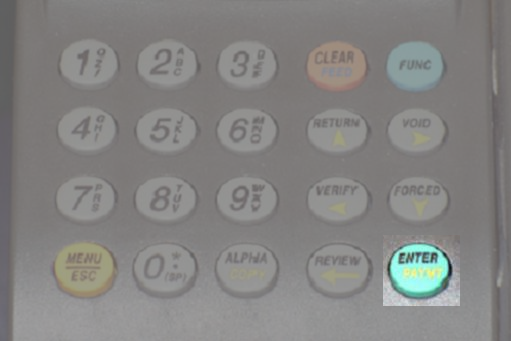
These instructions
are for Voiding a Multi-Merchant Conversion transaction.
| Checks processed as Verification will not be required to
be voided, simply DO NOT deposit the check and hand the check back to the customer and/or destroy it. |
| Terminal Displays | Action Taken | ||||
|---|---|---|---|---|---|
| CREDIT . . . . . . . . . . . . . SALE ENTER ID: ( 1 - 9 ) |
|
||||
| CHECK . . . . . . . CONVERSION AMOUNT  |
Press the Void button (show me) to display "Check Void Amount", or "GETI Void Sale". | ||||
| CHECK . . . . . . . . . . . . . . VOID AMOUNT |
Key in the amount of the transaction and press the [Enter] button. | ||||
| SWIPE/ENTER CHECK |
Scan the original check through the check reader, if the original check is not present, the transaction cannot be voided from the terminal and a Merchant Reversal Request form will need to be submitted. | ||||
| SWIPE/ENTER CHECK |
Scan the original check through the check reader/imager. | ||||
| If the original check is not present for
scanning, the transaction cannot be voided from the terminal and a Merchant Reversal Request form will need to be submitted to Customer Service. |
|||||
| CREDIT . . . . . . . . . . . . . SALE ACCOUNT |
Transaction complete. | ||||