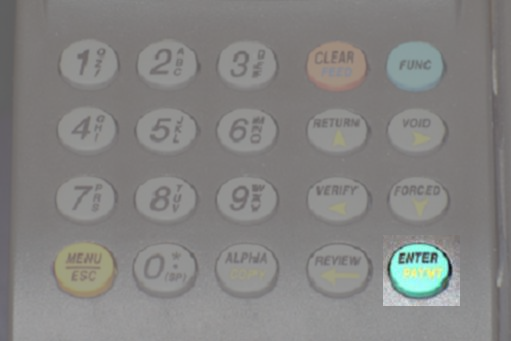
These instructions
are for the Balance Inquiry of a Gift Card, or opt to inquire the Loyalty
Balance to a card.
| Terminal Displays | Action Taken | |||||
|---|---|---|---|---|---|---|
| CREDIT . . . . . . . . . . . . . SALE ACCOUNT  |
Press the Payment button (show me) until the terminal displays OptiCard Clerk ID. | |||||
|
Key in 1 and press the [Enter] button. | |||||
|
Press the [Enter] button. | |||||
|
Use the [Forced/ ] button to scroll down to Balance. ] button to scroll down to Balance.Option to press the [5] button. Press the [Enter] button. |
|||||
|
||||||
| Enter account or swipe card: |
Swipe the card through the magnetic stripe reader, or key the card number into the terminal and press the [Enter] button. | |||||
| DIALING. . . . |
The terminal is dialing in to process the transaction. | |||||
| Once approved, the terminal will print two receipts, one for the merchant, and one that is to be given to the customer along with the card. | ||||||
| CREDIT . . . . . . . . . . . . . SALE ACCOUNT |
Transaction complete. | |||||